P
A coffee shop in Madrid with terrace and Sunday brunch.
Generated
Headline + warm hero photo + brunch menu grid + opening hours + map.
Describe your business in one sentence. Yammbo Web generates a full landing page (copy, layout, images, sections) that you can drag, edit, and publish to a live URL in one click. No code required. Code editor available when you want it.
The AI also writes full pages from a single prompt, every export is a ZIP or FTP push you own, and each page ships with an auto-generated sitemap, JSON-LD and Open Graph tags.
No credit card · free subdomain hosting · bring your own domain
Whichever you pick, you end up with a real, fast, SEO-friendly site you can publish in one click. The AI writes copy, the editor handles layout, the publisher handles DNS.
One sentence in, full landing out.
Edit visually. Code when you want.
One-click live. ZIP if you want.
Type one sentence about your business. AI writes copy, picks layout, generates images, and wires sections together, all in the time it takes to sip coffee.
Drop sections, edit text inline, swap blocks. When you need to go deeper, the built-in Ace editor lets you write raw HTML/CSS/JS without leaving the canvas.
Publish instantly to your free Yammbo subdomain, hook up a custom domain, export as ZIP, or push to your own FTP. SEO meta and Open Graph generated automatically.
The AI knows about your industry, your audience and your tone. It picks a layout, writes the copy, sources matching images and connects the sections. You see the page assemble live; you can edit any word in place.
A coffee shop in Madrid with terrace and Sunday brunch.
Headline + warm hero photo + brunch menu grid + opening hours + map.
A wedding photographer in Lima, dreamy aesthetic, gallery-first.
Editorial cover image + gallery masonry + packages table + booking form.
A SaaS landing for a payroll tool for restaurants.
Bold pricing tiers + feature comparison + testimonials + integrations row.
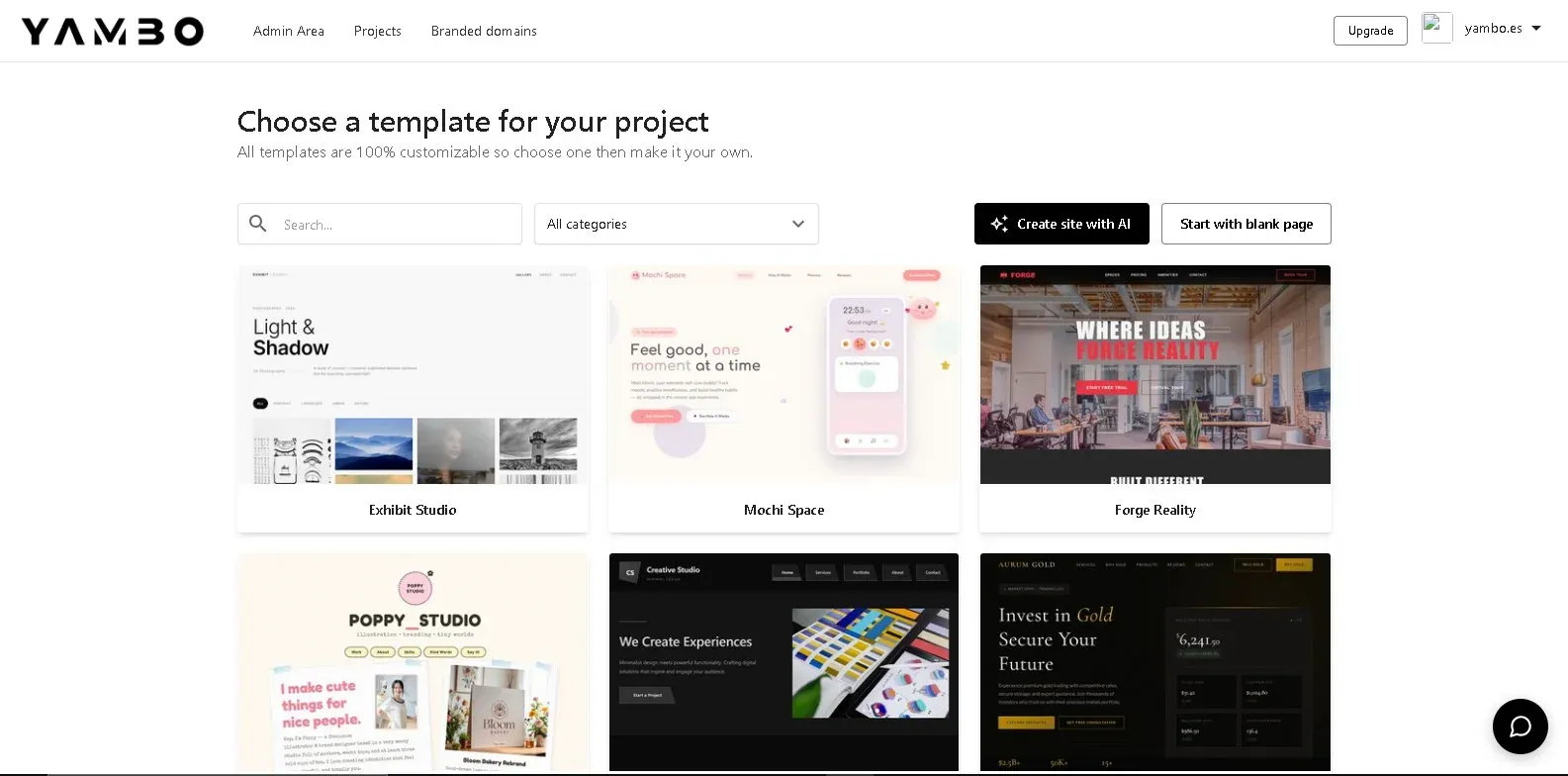
Drop in, edit, ship. Every template is real HTML: no React lock-in, no proprietary block format. Open the code editor and you see exactly what gets published.
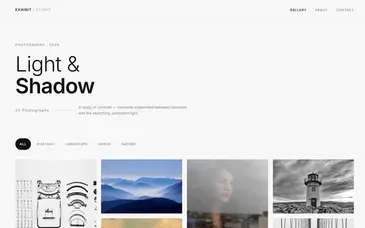
Exhibit Studio
View →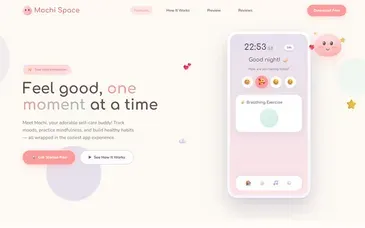
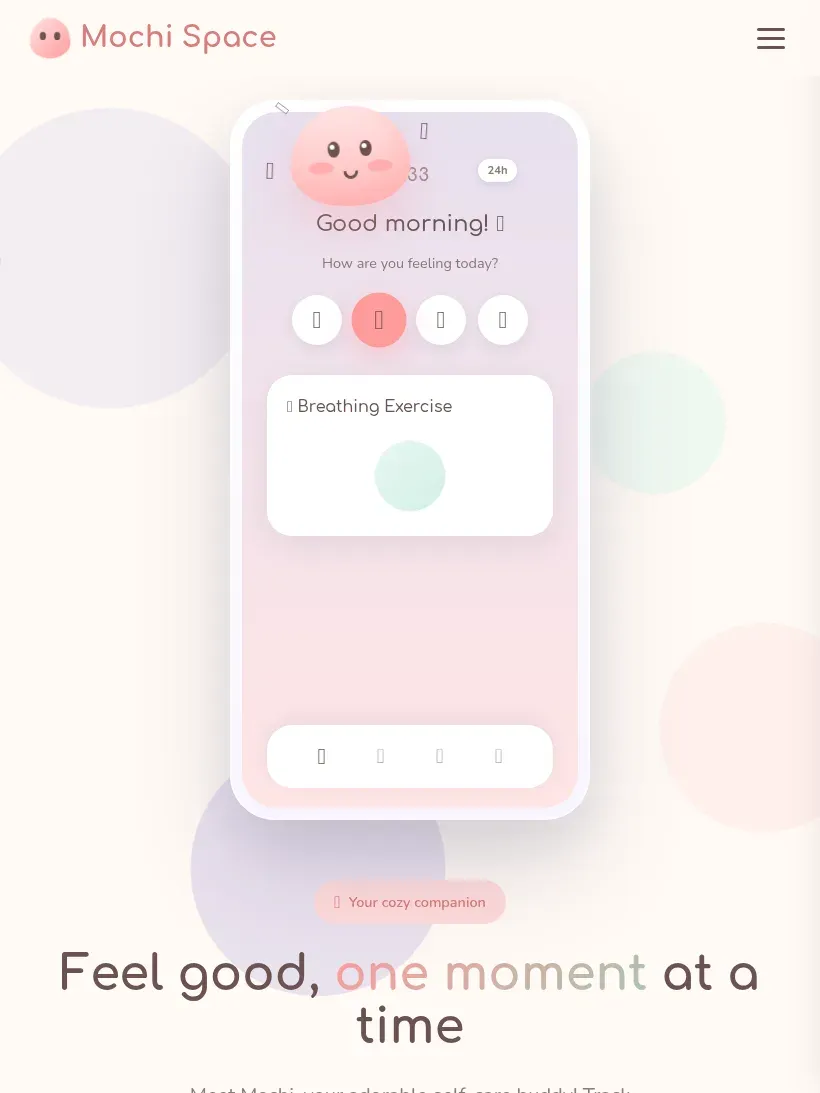
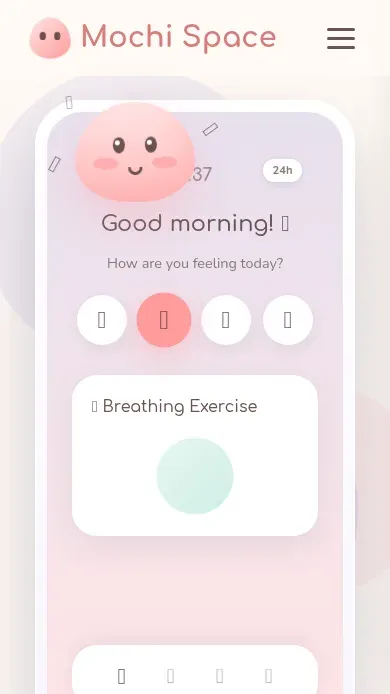
Mochi Space
View →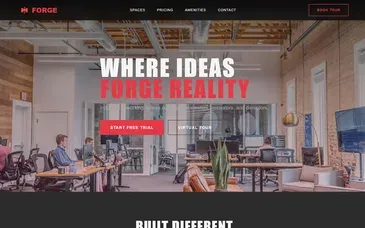
Forge Reality
View →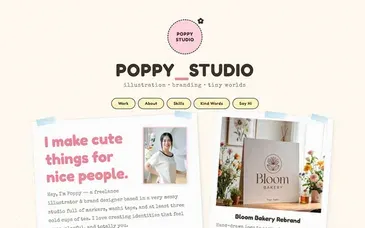
Poppy Studio
View →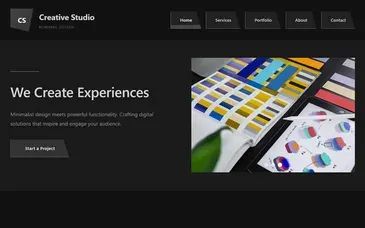
Graphite Creative
View →
Aurum Gold
View →
Chain Summit
View →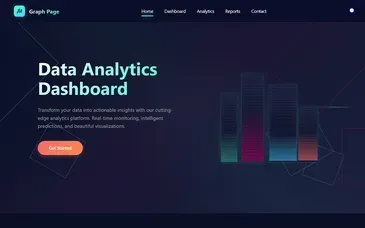
Graph Page
View → Exhibit Studio
View → Mochi Space
View → Forge Reality
View → Poppy Studio
View → Graphite Creative
View → Aurum Gold
View → Chain Summit
View → Graph Page
View →
Maison Doree
View →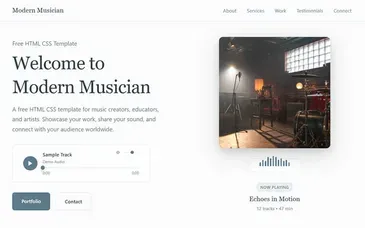
Modern Musician
View →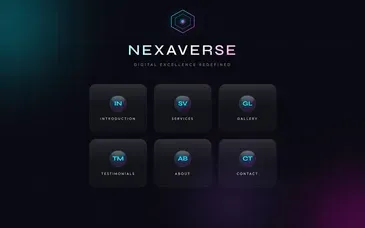
Nexaverse
View →
Prism Flux
View →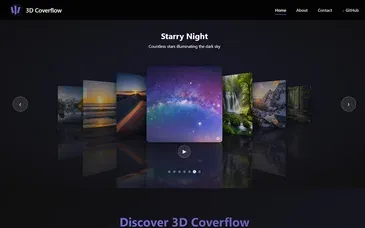
3D Coverflow
View →
Fireworks Composer
View →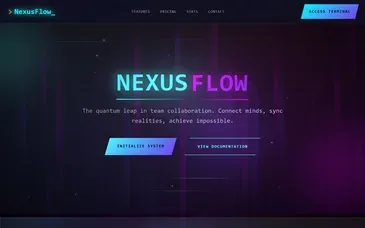
Nexus Flow
View →
Event Invitation
View → Maison Doree
View → Modern Musician
View → Nexaverse
View → Prism Flux
View → 3D Coverflow
View → Fireworks Composer
View → Nexus Flow
View → Event Invitation
View →Hero, features, pricing, FAQ, testimonials, contact, gallery, team, stats, newsletter, footer, and dozens more. Drop, edit, swap. Every block is real, semantic HTML.
Hero
dragFeatures
dragPricing
dragFAQ
dragTestimonials
dragFooter
dragGallery
dragTeam
dragStats
dragNewsletter
dragContact
dragLogo Cloud
dragThe built-in Ace editor exposes the raw HTML, CSS and JS of every block. Edit, save, preview: the visual editor stays in sync, so changing either side brings the other along.
<section class="hero">
  <h1>Order with one tap</h1>
  <p>Lunch deals every Tuesday</p>
  <a href="#menu">
    See the menu
  </a>
</section>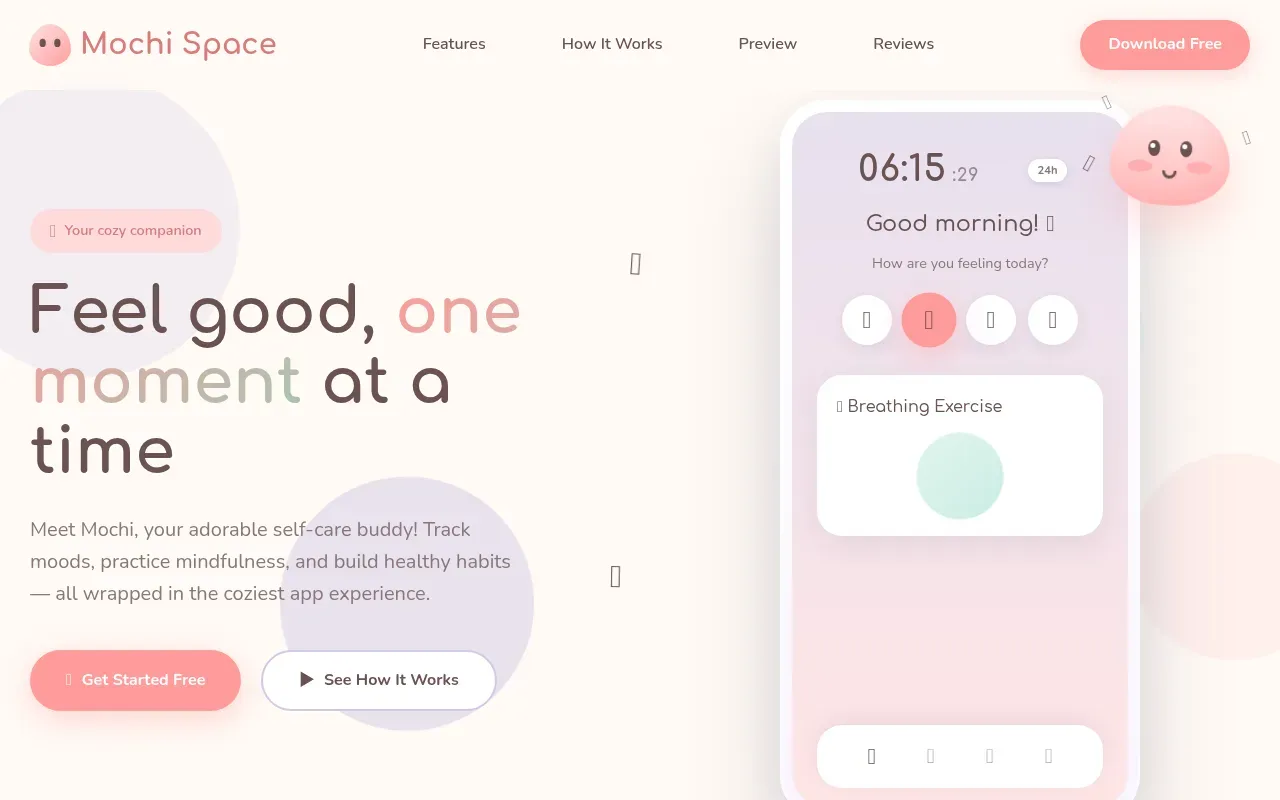
desktop
tablet
mobile
Free subdomain
something.yammbo.site, live in one click, with HTTPS and CDN out of the box.
Custom domain
Bring your own domain: DNS instructions auto-generate, certificate issues automatically.
ZIP / FTP
Download the full static build as a ZIP, or push it to any FTP target you own.
Invite teammates or clients into a workspace and decide exactly what each one can do, not just whether they can log in. Useful for an agency handing a client view-only access to their own project, or a founder who wants a designer editing without touching the FTP export.
Publish
Decide who can take a project live and make it public, independent of who can edit it.
Export & download
Control access to pushing a project to your own FTP server, and to downloading it as a ZIP.
Custom code
Turn on the code editor per member, so only the people who should be writing raw HTML, CSS and JS can.
Invite & remove
Choose who can add new members to the workspace, change their role, or remove them.
Detailed answers about how Yammbo Web works under the hood.
No. Describe what you want in English or Spanish, and the AI builds it. The drag-and-drop editor lets you tweak anything visually. The built-in code editor is there if you ever want to dive deeper, but it's never required.
Three things. First, it generates full pages from a single sentence about your business: copy, layout, sections and images. Second, it inserts complete on-brand sections (team, pricing, FAQ, testimonials, contact, stats, gallery, newsletter and more) into existing pages. Third, it rewrites selected text in place: "shorter", "more confident", "in Spanish".
225 templates across 20 curated categories: Business, Landing Page, Portfolio, Technology/SaaS, Photography, Restaurant/Café, Agency/Corporate, Education, Resume/Personal, Travel, Event, Gym/Fitness, Construction/Architecture, Jobs/HR, Medical/Health, Salon/Spa, NGO/Charity, Hotel, Real Estate and Wedding. The picker shows the freshest, best-looking ones first.
We ship 47 ready-made blocks: hero, navbar, footer, pricing, FAQ, testimonials, forms, galleries, timeline, callouts, partners grid, 404 page, contact split, newsletter signup and more. Drag any block into any page, edit text and images inline, and you have a real section. Combine blocks freely; nothing locks you into a single layout.
Yes. Every project gets a free yourname.yammbo.com subdomain by default, but you can plug in any domain you own. We provide step-by-step DNS instructions, SSL is provisioned automatically, and there are no per-domain fees. Multiple custom domains per workspace are supported.
Every published page gets title, meta description, robots, canonical, Open Graph and Twitter Cards, plus an auto-generated sitemap.xml at the project root. We support six JSON-LD schema types out of the box: WebPage, Organization, LocalBusiness, Person, Service and ProfessionalService. The SEO block in the editor lets you pick one and fill the relevant fields.
Yes. Contact and lead forms post directly to a backend we host. Submissions land in a dashboard, the owner gets an email notification, and the endpoint includes a honeypot field plus a 10-request-per-minute rate limit by IP to stop spam. No Formspree or Mailchimp wiring required.
The editor itself is fully translated to Spanish and English. The AI generates copy in the language of your prompt. Each project supports per-page locale variants: build /es, /en or /fr versions that share assets but live at separate URLs and get proper hreflang tags.
Yes. Invite teammates by email and assign roles: admin (full control), editor (build and publish) or viewer (read-only). Each member sees only the projects they have access to (useful for agencies running client sites or founders working with a designer).
Every project exports as a ZIP with the full static HTML, CSS and JS: drop it into Netlify, Vercel, Cloudflare Pages or your own server. You can also push directly to your FTP server from inside the editor with one click. No exit fee, no migration tax.
Yes. Published pages are static HTML served from a hardened edge: no PHP runtime per visit, no database query per request. CSS and JS are minified, images are auto-converted to AVIF/WebP and lazy-loaded. Core Web Vitals scores are typically 95+ out of the box.
Free forever, not a 14-day trial. You can build, publish and host a real site on a Yammbo subdomain, use the AI generator and access all 225 templates and 47 blocks. Paid tiers unlock custom domains, larger team workspaces and higher AI quotas; we'll always tell you exactly which limit you'd hit before you upgrade.